
Tracking daily tips and shift earnings without missing key details is difficult for servers in busy restaurants. Most generic financial or payroll apps lack features tailored to cash tips, pooled tips, or fast shift logging. This comparison shows how four tip tracker apps stack up on price, entry speed, and export options so servers can pick the best fit.
Table of Contents
Server·IQ
At a Glance
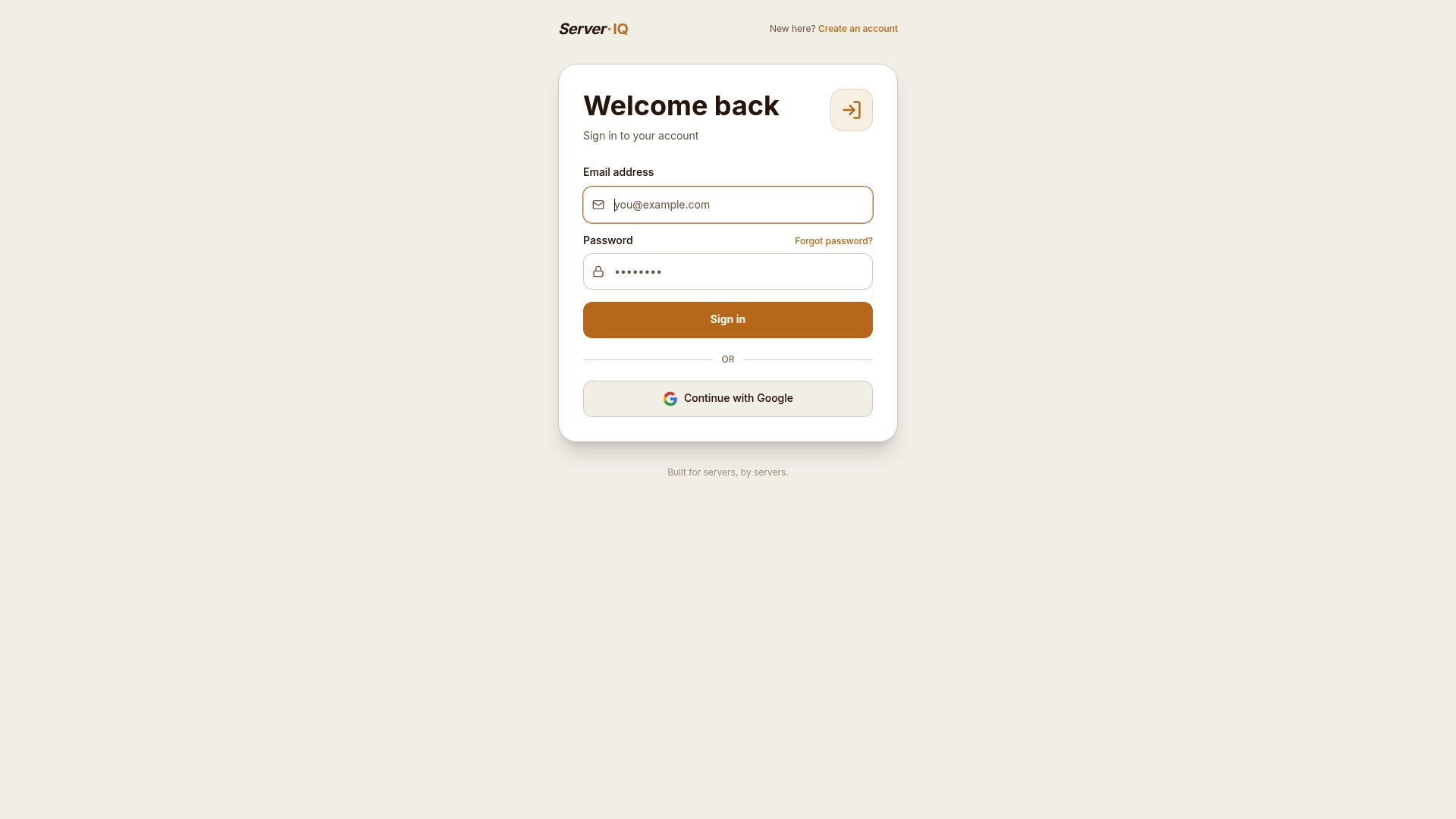
Serveriq reports $3 per month as its subscription price. That price undercuts typical payroll or bookkeeping tools and keeps tracking cheap for people who rely on cash tips. The app focuses on daily tip logging, hourly pay, hours worked, holiday and event pay, days off, and shift notes.
Core Features
Serveriq centralizes shift and earnings data in a single dashboard with weekly and monthly reports that highlight best and worst earning days. The app supports account creation and login with email or Google, password reset workflows, and a subscription management interface. A virtual assistant named Chip helps you log shifts, add notes, and update earnings by voice or text.
Key Differentiator
The product is built specifically for server management with integrated account and subscription workflows. That focus bundles access control and subscription billing into the same tool people use to track pay. The result is a single entry point for both account administration and daily earnings tracking.
Pros
Serveriq keeps the cost predictable with a single low monthly fee and simple menus that match bar and restaurant workflows. Tracking covers tips, hourly pay, holiday pay, event pay, and days off, so you do not need separate spreadsheets for special shifts. Account features like Google login and password reset reduce friction for shared devices and rotating staff.
Cons
- No public detail on security measures or compliance for storing account or earnings data.
Who It's For
This tool fits servers and bartenders who want a lightweight way to log tips, hours, and special pay without a payroll package. It also fits event servers who need to track event pay separately from regular shifts. People who want an inexpensive, app-based record of earnings and shift notes will find that price attractive.
Unique Value Proposition
A virtual assistant named Chip can log shifts and update earnings by simple commands. That feature reduces manual entry when you are busy on the floor and cuts the time needed to keep daily records. Combined with weekly and monthly reports, Chip turns quick notes into a usable earnings history.
Real World Use Case
A bartender works a brunch shift and a late shift on the same day. They tell Chip the tip amounts and mark the late shift as event pay. At week end the bartender opens the weekly report to see which day paid best and which shifts to target next week.
Pricing
Serveriq uses a single subscription model. Serveriq reports that price as $3 per month. That monthly fee covers shift logging, tip tracking, weekly and monthly reports, and access to Chip.
Website: https://myserveriq.com
Server44
At a Glance
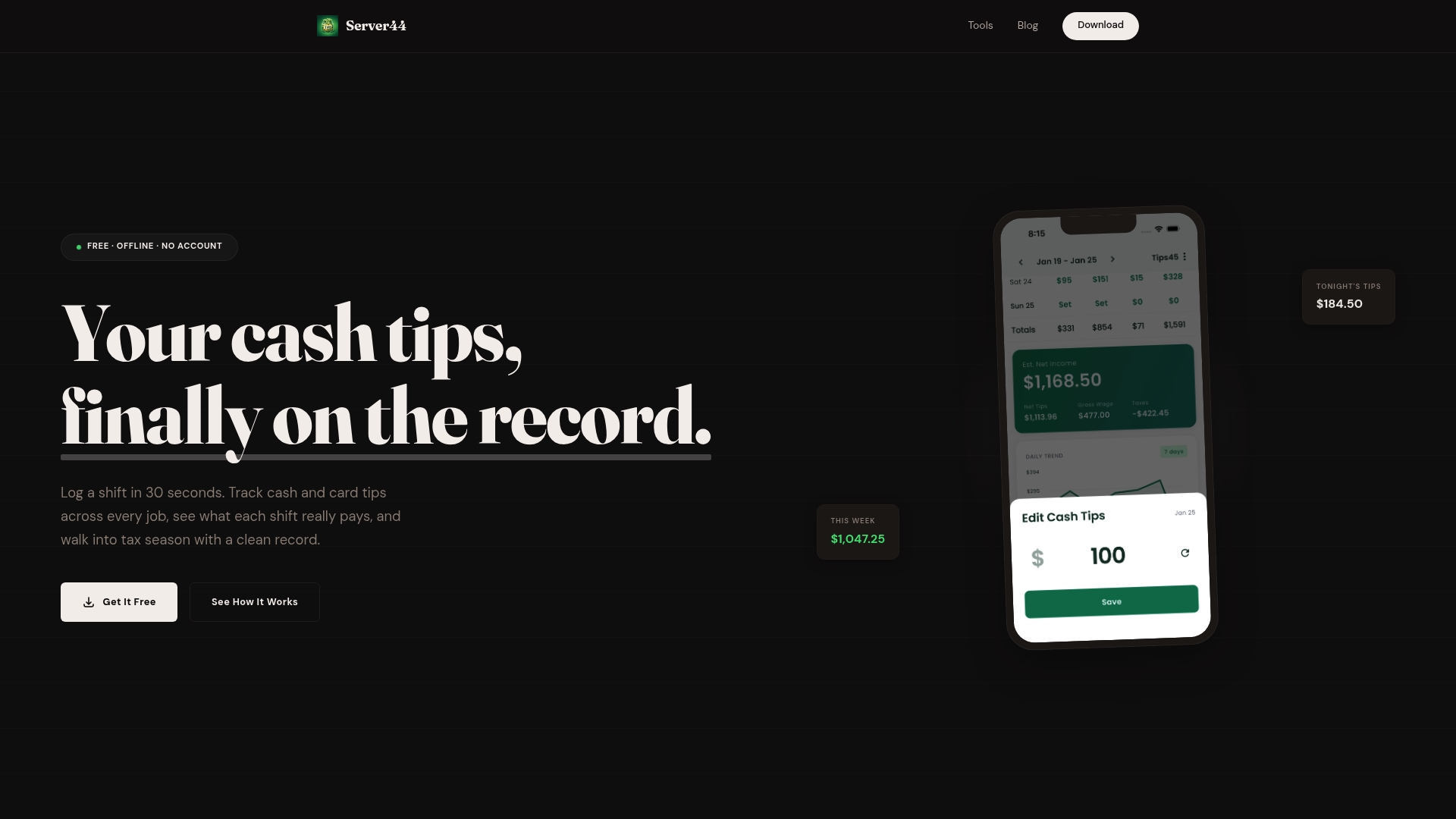
Quick shift logging in 30 seconds. The app is free and works offline with no account and no ads. It separates cash and card tips and records tip out amounts to help with accurate net income tracking.
Core Features
Server44 offers quick shift logging, separate fields for cash and card tips, and profiles for multiple jobs. It shows daily, weekly, and monthly earnings insights and stores data locally on your device. You can export records as CSV, PDF, or plain text for tax reporting and bookkeeping.
Key Differentiator
Server44 focuses on offline use and local data storage so tipped workers can log shifts without an account. That design suits people who want privacy and quick entry on a busy floor. The app also bundles free calculators for tips, tax deductions, and wage comparisons.
Pros
The app is free and contains no ads or mandatory accounts, which lowers friction for regular use. Data stays on your phone so you control your records and can export them for tax time. Support for multiple job profiles, separate tip types, and tip out logging makes net pay calculations more accurate.
Cons
-
Limited to iOS and Android mobile devices. There is no desktop or web version for editing on a computer.
-
Requires manual entry for each shift. You must log consistently for accurate totals and reports.
-
Built for individual tipped workers rather than teams. It lacks features for enterprise payroll or group tip distribution.
When It May Not Fit
If you need a web dashboard or desktop access, this mobile only app will feel restrictive. If you want automatic time tracking or integrated payroll, Server44 does not offer those features. For restaurants managing teams and pooled tips, the app lacks group management controls.
Who It's For
Individual tipped workers who want a simple, private tool to record tips and hours will get the most value. Servers, bartenders, and delivery drivers who prepare records for an accountant will find the export options helpful. People who prefer manual tracking and local storage over cloud accounts will like the app.
Real World Use Case
A bartender opens Server44 after a busy shift and logs cash and card tips in under a minute. They record tip out amounts and tag the shift to a specific job profile. At tax time they export a CSV file and hand the spreadsheet to their accountant for accurate reporting.
Website: https://server44.app
Tippd
At a Glance
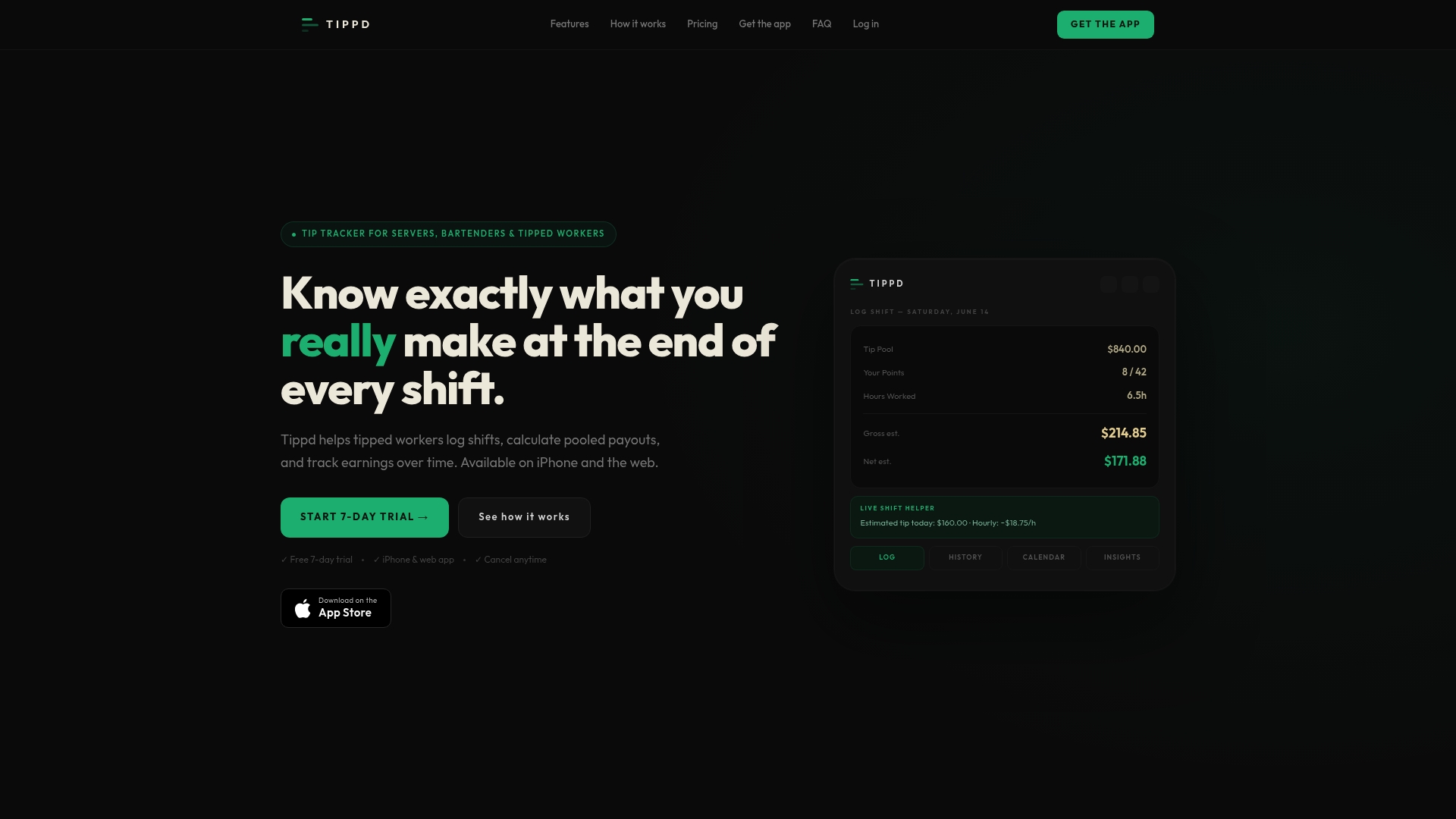
Tippd calculates point pool payouts instantly so you can see an estimated take home while the shift is still active. The app shows live shift estimates, a calendar of past shifts, and quick exports for tax or record keeping. That focus makes it useful for servers and bartenders who work in points based tip pools.
Core Features
Tippd performs point pool calculations and gives instant payout estimates based on points and hours. It offers a live shift helper for real time tip estimates, a calendar and shift history view, goals and earning insights, and exports to PDF or CSV. Settings sync across devices and the Pro version adds Smart Scan and advanced insights for faster logging.
Key Differentiator
The app centers on estimating pooled payouts, not on payroll processing. That means Tippd models point pool math and delivers quick shift summaries tailored to pool environments. The approach helps you check likely payouts before the official distribution happens. For teams that share tips by points, this specific focus sets Tippd apart from general tip trackers.
Pros
Tippd makes shift logging fast with fields designed for tipped work and point pooling. Real time payout estimates help you plan for the week while you are still on shift. The app syncs settings and history across devices, and customizable wage and tax fields let you match local rules. The Pro tier includes Smart Scan to read tip sheets on iPhone and speed up entries.
Cons
- Estimates are not official payroll records and actual payouts may vary.
- The tool focuses on point pool workflows and works less well for direct tip systems.
- Smart Scan is available only in Pro and only on iPhone, limiting access for Android users.
When It May Not Fit
If your workplace pays tips directly to each server rather than pooling by points, Tippd will be less useful. If you need official payroll documents, this app is only for personal estimates and export records. Teams that require Android Smart Scan will find that feature unavailable on their devices.
Notable Integrations
Tippd connects with Apple Health to support Smart Scan on iPhone. That integration helps the iPhone Smart Scan read tip sheets faster. No other third party integrations are listed.
Who It's For
Tippd fits tipped workers who operate in points based tip pools, such as servers, bartenders, and baristas. It suits people who want quick, personal estimates and a simple shift history for taxes. It is not geared toward payroll staff or workplaces without pooled tips.
Real World Use Case
A bartender logs points, tips, and hours in Tippd after each shift and watches the live estimate during closing. They check weekly summaries to spot their best earning nights. Before tax season they export CSV files to combine with other records.
Pricing
Tippd has a free tier and two paid plans: Basic at $7.99/month or $70.99/year, and Pro at $14.99/month or $140.99/year. The vendor states the Pro plan adds Smart Scan and advanced insights. Choose Pro if you want the scanning feature and deeper earnings analysis.
Website: https://tippd.app
My Tips Pro
At a Glance
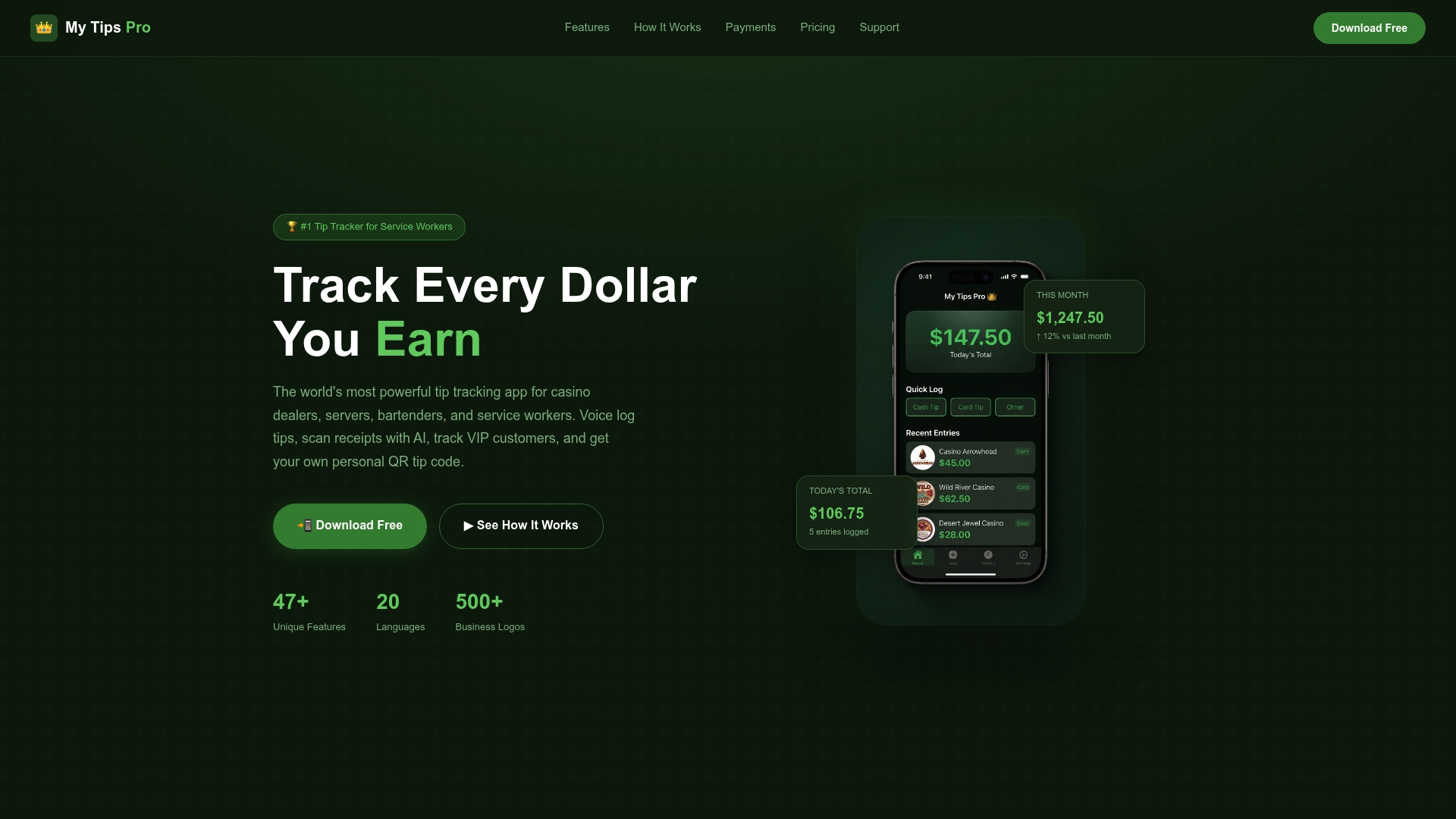
My Tips Pro lets you accept tips with a personal QR tip code that customers scan to pay directly in store or remotely. The app also offers voice logging and AI receipt scanning with bulk processing for faster end of shift accounting. A free basic tier exists, plus paid upgrades for more advanced features.
Core Features
Voice logging captures tips with natural speech so you can record during a busy shift without tapping through menus. AI receipt scanning processes paper receipts in bulk and turns them into logged entries for tax exports and bookkeeping. A calendar dashboard shows color coded earnings, while a VIP tracker and QR tip codes help you follow regulars and collect cashless tips.
Key Differentiator
My Tips Pro was built by service workers for service workers and focuses on automation that fits noisy, fast shifts. The app combines hands free entry and receipt scanning so you spend less time logging and more time on the floor. That focus makes it more targeted than general expense or payroll apps.
Pros
The feature set targets real shift workflows, with voice logging and bulk receipt processing that reduce logging time during peak hours. Setup is simple, so you can start recording tips the same day you install the app. Support for direct QR tipping lowers cash handling and can improve tip transparency, and multi language and currency options make the app useful for diverse teams.
Cons
- Third party reviews report inconsistent performance for voice recognition or receipt scanning on some devices and in noisy environments.
- Pro features require a one time payment, which may limit ongoing updates compared with subscription models.
- Several useful functions such as bulk scanning and VIP alerts are locked behind paid tiers, reducing value for casual users.
When It May Not Fit
If you rely on flawless voice recognition in extremely loud venues, the app may not meet your needs because voice and scanning accuracy vary by device and noise level. If you prefer ongoing feature updates tied to a subscription, the one time payment model may not suit you. Casual servers who only need a simple tip log might find the paid features unnecessary.
Who It's For
Service workers who want an app tailored to tip tracking and cashless payments will get the most from My Tips Pro. It suits bartenders, casino dealers, and servers who handle regulars and want quick logging during busy shifts. It also fits teams working across languages or using multiple currencies.
Real World Use Case
A bartender speaks tip amounts into the app while pouring drinks, then later scans a stack of receipts for the night with the AI tool. The bartender tags a few VIP customers and uses the QR code to let a regular send a tip from a phone. At month end, the bartender exports a tax report from the calendar dashboard.
Pricing
Free for basic features. Plus is $4.99 per month for extra tools and conveniences. Pro Advantage is a $19.99 one time purchase that unlocks permanent pro features.
Website: https://mytipspro.com
Comparison of alternatives
Restaurant servers require reliable and efficient tools to record their tips, hours, and earnings, necessitating an examination of several viable options. Each product offers distinct advantages catering to various preferences and work environments, allowing servers to choose the one best aligned with their specific needs.
Logging experience and accessibility
Server44 stands out by offering a no-cost, frictionless experience, allowing users to log tips and hour data on mobile platforms without requiring accounts or advertisements. However, My Tips Pro emphasizes automated tools such as AI-supported receipt scanning and QR tip collection, streamlining documentation tasks across varying work environments. On the other hand, Tippd is uniquely targeted at teams and individuals relying upon tip-pooling systems, offering real-time payout estimations and synchronizing data across devices effortlessly.
Pricing comparison and inclusivity
Serveriq offers predictability with a $3 monthly subscription fee covering tools designed for individual users needing financial tracking yet avoiding complex payroll management. In contrast, Server44's free service captivates servers focused on low-cost options. Meanwhile, My Tips Pro adopts a one-time payment setup for advanced features or a nominal monthly fee, potentially more appealing to professionals looking for long-term, upfront value.
Best fit
- Servers seeking affordable and straightforward tip tracking for themselves or events will appreciate Serveriq's $3 monthly plan covering crucial features.
- Professionals preferring a free tool for manual data logging and local storage will find Server44 an attractive option.
- Tip-pool system users requiring real-time calculations for accurate payout estimations should explore Tippd's tailored functionality.
- Workers desiring advanced tools like AI-powered receipt processes and QR code integrations will benefit from My Tips Pro's unique offerings.
Our pick
Servers needing a reliable and effective app consolidating income and shift tracking while considering subscription delivery will find myserveriq.com a worthwhile choice. Its targeted features and budget-friendly model provide excellent value while fitting into daily server workflows.
Finding the right app for tracking tips and earnings requires comparing features, pricing, and user suitability. Below is a comparison of four leading tools:
| Product | Core Features | Key Differentiator | Pricing | Notable Limitation |
|---|---|---|---|---|
| Serveriq | Shift data tracking, virtual assistant, reports, and subscription management | Tailored for servers with integrated subscription workflows | $3/month | Limited security and compliance details provided |
| Server44 | Quick shift logging, offline mode, and export options | Local data storage and no account required | Free | Mobile-only. Not for teams or businesses |
| Tippd | Point pool payouts estimation, live tracking, sync across devices | Designed for point pooling systems | Free/Basic: $7.99/mo; Pro: $14.99/mo | Not suited for direct tip workflows or teams |
| My Tips Pro | Voice tip logging and AI receipt scanning | QR code payments and multi-language options | Free/Plus: $4.99/mo; Pro Advantage: $19.99 one-time | Performance of voice recognition may vary |
How Servers Can Keep Clear Track of Tips and Earnings
Tracking daily tips, hours worked, and special pay can be a challenge for servers and bartenders juggling busy shifts. Serveriq solves this problem by offering a simple, affordable app built just for servers. For only $3 per month, it combines tip logging, hourly pay, event pay, days off, and shift notes into one easy dashboard. Chip, the virtual assistant, cuts down on manual entry by letting you log shifts and update earnings with quick voice or text commands.
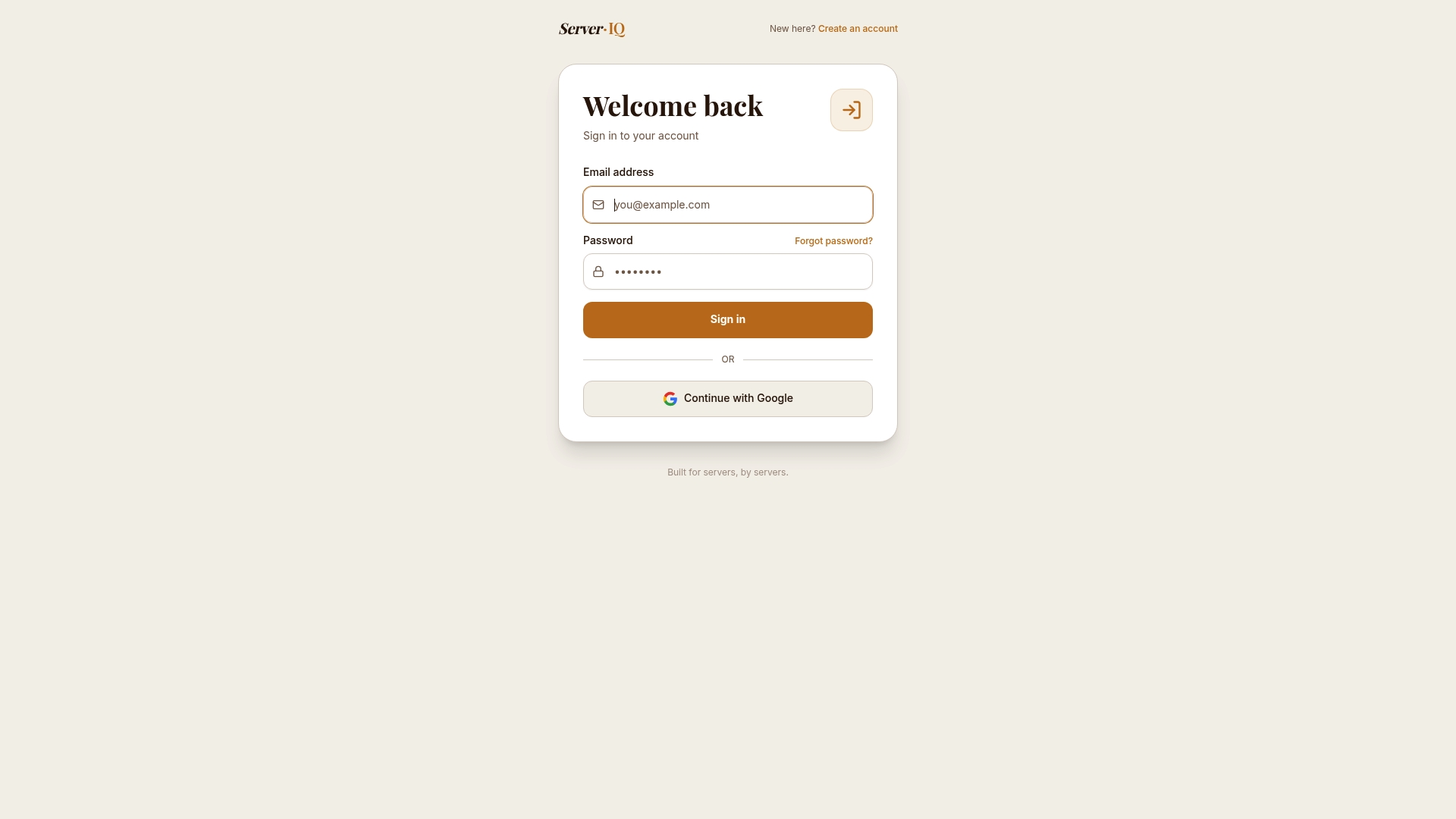
Don’t let confusing records slow you down. Use Serveriq to get clear weekly and monthly reports that reveal your best shifts. Visit Serveriq to start tracking your earnings clearly and confidently today.
FAQ
How does Serveriq help with daily earnings tracking?
Serveriq provides a centralized dashboard for logging daily tips, hourly pay, and special shifts. This feature simplifies tracking multiple pay types, which is particularly useful for servers and bartenders who want to manage earnings efficiently. Users can focus on their work knowing their earnings are being logged correctly.
What is the difference between Serveriq and Server44?
Server44 offers a free app that allows quick shift logging without the need for an account, which can be beneficial for individual users focused on privacy. In contrast, Serveriq is built for comprehensive server management, integrating account workflows and subscription billing to streamline both tip tracking and account administration. Servers looking for an all-in-one tool may find Serveriq better suited for their needs.
Can I use Serveriq if I work in a restaurant with multiple payment types?
Yes, Serveriq can manage cash tips, hourly pay, and holiday pay all in one platform. This feature allows users to handle diverse pay structures easily, making it ideal for servers who need to log different types of compensation.
Does Serveriq support integration with other tools?
Serveriq does not mention any specific integrations with third-party tools or platforms. This means users might not have additional automation or workflow features compared to apps like Tippd, which focuses on real-time tip estimates and point pool calculations. For those looking for integrated solutions, it may be worth evaluating other apps.
What price does Serveriq charge for its services?
Serveriq reports a monthly subscription fee of $3, making it an affordable option for servers and bartenders who want effective tip tracking without high costs. This low fee provides access to a variety of features, including logging shifts and generating reports.