
Tracking cash and card tips accurately while juggling shifts creates confusion for restaurant servers. Most built-in POS reports or manual logs miss holiday pay, event pay, or make split rules hard to audit. This comparison covers pricing, tip automation, and payout speed so you can pick the right tracker for your operation without trial and error.
Table of Contents
Server·IQ
At a Glance
For $3 per month, Server·IQ tracks daily tips, hourly pay, hours worked, holiday pay, event pay, days off, and shift notes. The app produces clear weekly and monthly reports that highlight your best and worst earning days. That makes short term budgeting and shift planning easier for servers and bartenders.
Core Features
Server·IQ centralizes account creation, login, password reset, and subscription management alongside calendar and reporting functions. The app records tip and pay entries, stores shift notes, and shows weekly and monthly summaries that reveal earning patterns. A built in assistant named Chip helps log shifts, add notes, and update earnings by voice or text.
Key Differentiator
Built specifically for people who rely on tips, Server·IQ pairs earnings tracking with simple subscription controls and account recovery tools. That combination keeps shift records and billing in one place so you spend less time on admin. The focus on restaurant and bar pay makes the feature set match how tipped staff work.
Pros
Specialized tracking covers daily tips, hourly pay, holiday pay, and event pay in a single record. The calendar and report views surface best and worst earning days so you can spot which shifts pay more. Account features include account creation, password reset, and subscription upgrades, and sign in with Google adds convenience for quick access. Chip reduces manual entry by letting you log shifts with a quick command.
Cons
- Public information is limited on advanced server management tools such as automation, monitoring, or broader integrations beyond account handling.
Notable Integrations
Server·IQ supports Google sign in for fast account access. No other third party integrations are publicly listed. The single integration simplifies setup for people who already use Google accounts.
Who It's For
Front of house staff who need a focused earnings tracker will get the most from Server·IQ. The app fits servers, bartenders, and event staff who record tips and hourly pay. It also suits shift leads who manage basic subscription settings and need centralized reports.
Unique Value Proposition
Chip accepts voice or typed commands to log shifts, add notes, and update earnings. That capability converts scattered tip slips and memory into structured records with minimal typing. For people working double shifts or events, Chip reduces the friction of keeping accurate daily and weekly records.
Real World Use Case
A bartender finishes a late event and tells Chip the event pay and total tips. Server·IQ logs the shift, tags the event pay, and updates the weekly report. The bartender checks the report the next morning and sees which weekday produced the highest net earnings.
Pricing
Server·IQ costs $3 per month. That rate gives access to tip and pay tracking, weekly and monthly reporting, shift notes, and the Chip assistant for logging and edits.
Website: https://myserveriq.com
TipHaus
At a Glance
TipHaus reports over 500,000 professionals using its tip management tools. That scale shows the platform aims at multi-site and enterprise hospitality operations. The product focuses on faster digital payouts and clearer tip visibility for staff.
Core Features
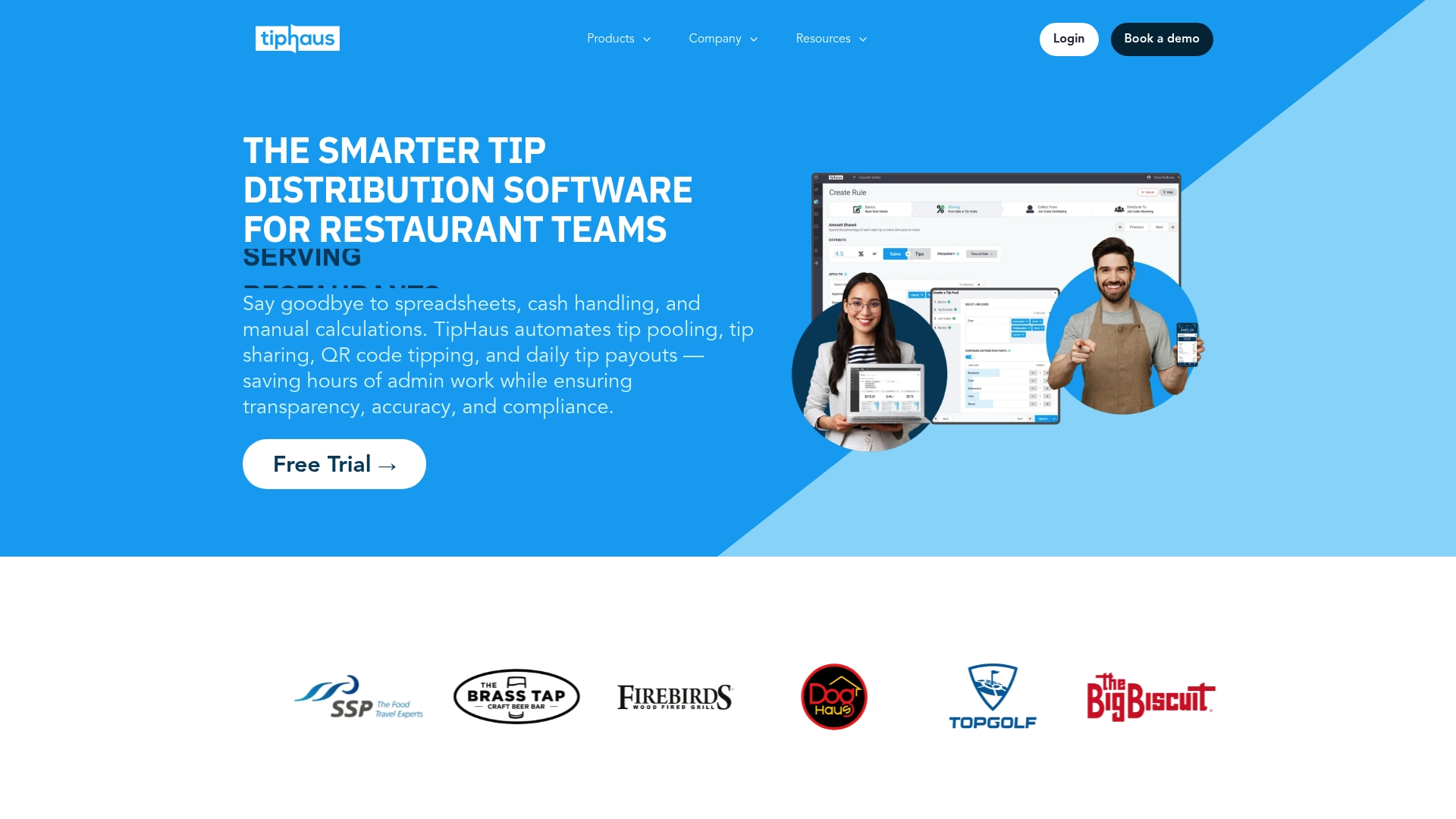
TipHaus automates tip calculations using sale data and synchronizes reconciliation with point of sale systems. The platform offers real-time digital payouts, an employee web app for tip transparency, and QR code guest tipping for instant contributions. It also exports custom payroll reports and supports compliance across restaurants, hotels, casinos, and wellness centers.
Key Differentiator
TipHaus claims to automate full tip reconciliation while delivering daily digital payouts that integrate directly with POS systems. That combination gives employees immediate access to their tips and reduces end of shift cash handling. For operators, the integration reduces manual work and simplifies payroll handoffs.
Pros
Automating calculations and reconciliation cuts manual payroll time and reduces arithmetic errors, which lowers administrative overhead. Transparent, web-based access and faster digital payouts build trust with servers and other tipped staff. Integration with popular POS and payroll products reduces duplicate entry and helps maintain wage compliance across locations.
Cons
-
Complex tip sharing rules or uncommon POS systems may require custom integration work.
-
Staff may need training to use advanced features and the employee web app effectively.
-
The vendor does not publish standard pricing on the homepage, so total cost is unclear.
When It May Not Fit
Operations with very simple tip flows and only a few employees may find TipHaus more than they need. Independent restaurants with no compatible POS might face implementation overhead. Smaller venues with tight margins should budget for potential subscription or integration fees. Organizations that cannot support an API or middleware layer may need a simpler manual system.
Notable Integrations
- ADP
- Toast Payroll
- Square POS
- Clover POS
- Micros Symphony
- HotSchedules
- GoTab
- Skytab
Who It's For
TipHaus fits hospitality owners, managers, and HR professionals who handle pooled tips across multiple staff roles. It serves restaurants, bars, hotels, casinos, and wellness centers that need clearer tip visibility for servers. Operations planning regular digital payouts or payroll exports will find the feature set relevant.
Real World Use Case
A multi-location restaurant chain uses TipHaus to automate tip distribution across front and back of house. The chain reports reduced labor hours handling tips and faster payouts to staff. Servers receive clear records of their daily tips through the employee web app.
Pricing
TipHaus does not list standard prices on the public site. Pricing appears to be custom and likely depends on business size, number of locations, and POS integrations. Contact sales for a tailored quote and implementation estimate.
Website: https://tiphaus.com
Kickfin
At a Glance
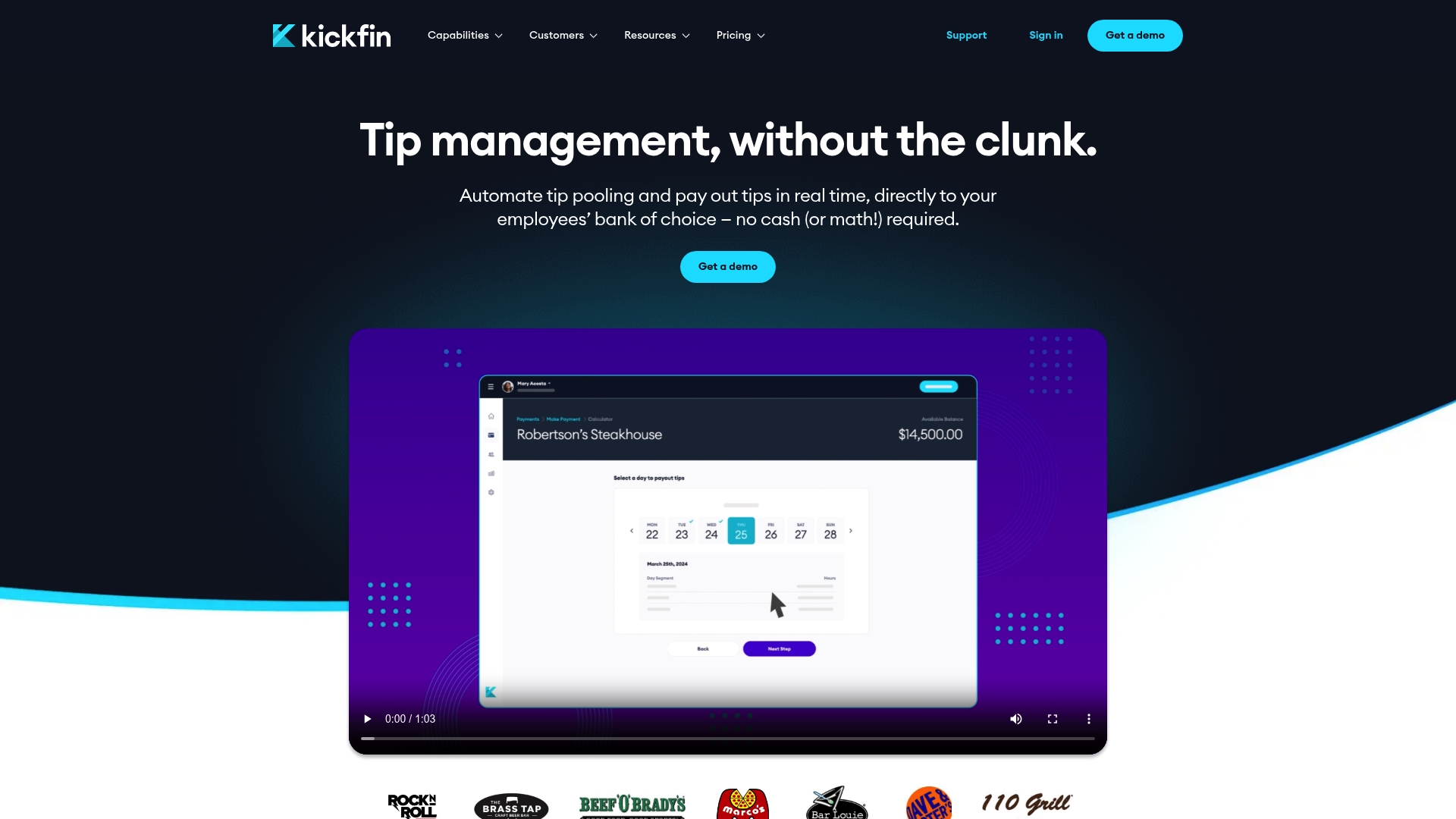
Kickfin moves tip money into employees' bank accounts in real time, removing cash handling at shift end. That immediate payout model cuts the wait between service and receipt of tips. For venues that want to stop manually distributing tips, Kickfin replaces paper and envelopes with bank transfers.
Core Features
Kickfin calculates and applies tip pooling rules automatically from the point of sale, then routes funds to each employee by bank transfer. The platform captures POS check edits and supports manual adjustments while keeping a record for payroll and compliance. Reporting breaks down tip shares and produces reconciliation-ready exports for payroll processors.
Key Differentiator
Kickfin supports complex tip pool rules and enforces them as transactions occur, rather than after the fact. That live enforcement integrates directly with many POS systems to apply sharing rules, overrides, and manual edits in near real time. For multiunit operations with varied policies, this reduces reconciliation work and disputed payouts.
Pros
Kickfin automates the math behind pooling and saves managers time that previously went to manual calculations and cash runs. The vendor advertises instant, cashless payouts that improve employee cash flow and reduce the need for onsite cash storage. Reporting is designed for payroll and compliance workflows, which helps payroll staff close the books faster. Kickfin also supports a broad list of POS systems, lowering integration friction for many operators.
Kickfin's marketing materials state significant reductions in tip management labor hours and error rates. That claim points to lower administrative cost and fewer payroll disputes for teams that adopt the system.
Cons
- Requires reliable POS connectivity and internet access, which can disrupt payouts during outages.
- Pricing is not posted publicly and requires a quote or demo to learn costs, which may deter smaller venues.
- Public documentation does not list hardware requirements or international support, leaving some deployment questions unanswered.
- Limited clarity on availability for venues outside the United States may restrict multinational chains.
When It May Not Fit
If your venue runs on a custom or unsupported POS, Kickfin may add integration complexity. If you operate in a location with unreliable internet access, payouts and syncs could fail. Small independent venues that require transparent list pricing may find the sales consult model inconvenient. Multi country operations should confirm international bank support before committing.
Notable Integrations
- Toast POS
- Aloha POS
- Heartland POS
- Union POS
- rPOWER
- Genius POS
- SkyTab
- Square POS
These integrations let Kickfin pull payment and tip adjustments directly from common POS systems for automatic processing.
Who It's For
Restaurant and bar managers who run pooled tip models and want to remove cash handling will get the most value. Multiunit operators with complex sharing rules benefit from automated enforcement. Owners who need clearer audit trails for payroll and tip compliance will also find this useful.
Real World Use Case
A regional restaurant chain ties Kickfin to its POS estate, then encodes each location's pooling rules. Tips calculate at the check level, reconcile against edits, and move to staff bank accounts after shift close. Managers report fewer manual corrections and faster payroll reconciliation.
Pricing
Kickfin does not publish a standard price on its site. Prospective customers request a demo or quote to learn deployment costs and fees. That sales model means you will need a conversation to get a firm price for your locations.
Website: https://kickfin.com
eTip
At a Glance
Instant digital payouts work through debit cards, PayPal, Venmo, and eTip cards. The platform supports guest tipping by QR code and branded mobile flows that match property aesthetics. That mix targets hospitality teams who want fewer cash handling tasks and faster access to tips.
Core Features
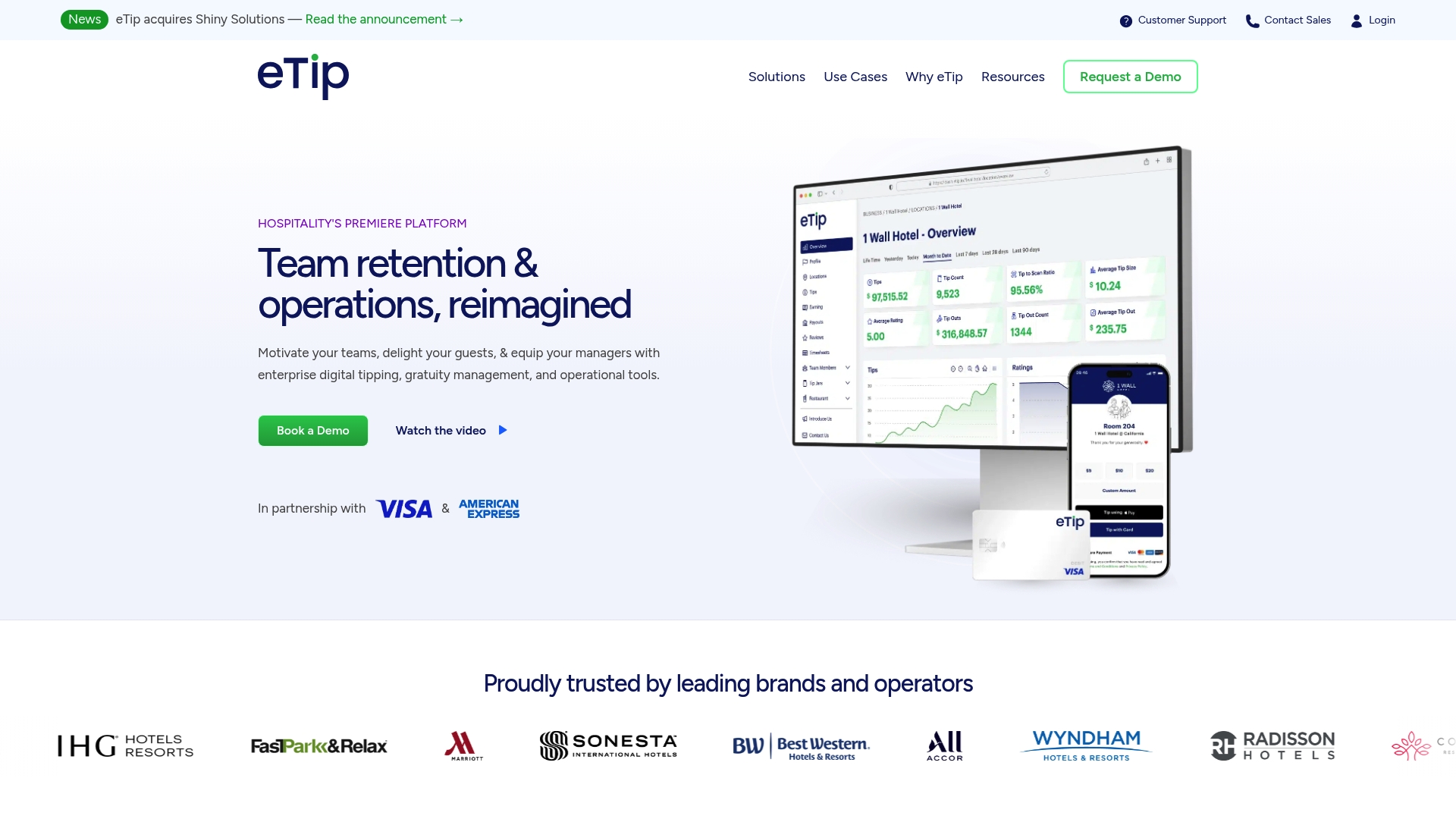
The vendor advertises PCI DSS and SOC2 compliance and automated IRS-compliant reporting. The product offers digital guest tipping via QR codes and mobile interfaces, automated tip pooling and distribution with customizable rules, and real time dashboards for managers. It also advertises integrations with PMS, POS, and payroll systems to sync tip data and reporting.
Key Differentiator
eTip centers on a configurable enterprise model combined with AI powered insights and deep system integrations. That combination is built for large properties and operators who must align tipping rules across many roles and locations. Custom branding and configurable payout methods aim to keep the guest experience consistent.
Pros
The platform scales to large operations and supports detailed tip splitting rules that can include back of house staff and contractors. Instant payouts and multiple withdrawal channels reduce wait time for employees and help with staff retention. Integrations with hotel systems and payroll reduce manual reconciliation and simplify reporting.
Cons
-
Setup and customization can be complex for large deployments, according to third party reviews.
-
Staff unfamiliar with digital tipping may face a learning curve during rollout.
-
Detailed pricing is not publicly listed, so cost estimates likely require a sales consultation.
When It May Not Fit
Smaller independent restaurants and single property operators will likely find the platform more than they need. Organizations with minimal IT support may struggle during the initial integration phase. If your budget is strictly fixed, the likely custom pricing and implementation fees could push you to simpler alternatives.
Notable Integrations
- Oracle Cloud
- Amadeus
- SynergyMMS
- Unifocus
- Optii
- Toast
- Micros
- Square
- ADP
- Workday
- UKG
Who It's For
Large hospitality operators, major hotel chains, and service providers managing multiple locations will get the most value. Teams that already use PMS, POS, or payroll systems and need automated tip reconciliation benefit especially. Properties that prioritize branded guest flows and faster employee payouts are a natural fit.
Real World Use Case
A hotel chain deploys eTip across its properties to capture guest tips through QR codes at checkout and mobile service points. Managers use the dashboards to audit distributions and export audit ready reports for payroll. Staff receive instant payouts which helps reduce cash handling and improves morale.
Pricing
The vendor lists pricing as not applicable informational only. Pricing is typically quoted per deployment and requires a consultation to cover features, integrations, and property count. Expect costs to vary with customization and scale.
Website: https://etip.com
Comparison of alternatives
When comparing Server·IQ to TipHaus, Kickfin, and eTip, distinguishing factors emerge in cost efficiency, integration variety, and tailored features. These elements shape choosing the most fitting tool for specific hospitality financial tracking needs.
Price Accessibility
Server·IQ offers a competitive monthly subscription cost of just $3, making it highly accessible for individual servers and bartenders. By providing tailored functionality at an approachable price, Server·IQ becomes ideal for those working in smaller-scale settings. In contrast, TipHaus, Kickfin, and eTip cater explicitly to larger organizations and lack publicly available pricing, implying a probable higher cost tailored to complex enterprise needs.
Feature Specialization
TipHaus excels in handling multi-location operations requiring thorough synchronization, offering transparent digital tipping processes and customizable payroll reporting. Kickfin stands out with its immediate bank transfer payouts, minimizing handling delays. On the other hand, eTip's focus on custom branding and oversight dashboards positions it for large-scale property management.
Best fit
- Servers and bartenders seeking a dedicated earning tracker that balances costs with tools should choose Server·IQ.
- Establishments with intricate location-spanning operations aiming for efficient centralized tipping mechanisms should consider TipHaus.
- Venues with immediate payout needs and an aversion to cash dependence would benefit from Kickfin's reliable transfer capabilities.
- Large-scale operators looking for standard integrated financial solutions can rely on eTip for tailored management and reporting approaches.
Our pick
Server·IQ proves the preferred choice for hospitality staff requiring a focused, cost-effective earnings management platform. Its integrated assistant Chip simplifies real-time entries, which greatly benefits those managing on-the-go records. However, enterprises requiring complex multi-location system integrations might find solutions like TipHaus or eTip more aligned to their needs.
Selecting the right tip and earnings tracker for restaurant situations depends on your specific needs, such as whether you need advanced pooling and reporting or a straightforward logging system.
| Product | Core Feature | Key Differentiator | Best For | Pricing | Notable Limitation |
|---|---|---|---|---|---|
| Server·IQ | Tip tracking with reporting tools | Integrated assistant "Chip" for easy data entry | Servers, bartenders, and event staff | $3 per month | Limited support for advanced integrations |
| TipHaus | Automated tip and reconciliation systems | Real-time digital tip payouts | Large, multi-site hospitality operations | Price not published | Requires custom integration for complex environments |
| Kickfin | Real-time bank account payouts | Comprehensive tip pooling rules application | Restaurant and bar managers | Price not published | Relies on consistent internet and POS connectivity |
| eTip | Instant digital payouts with detailed analytics | AI-powered insights with deep system integration | Large-scale hotels and service chains | Price not published | Initial setup complexity for large deployments |
How Can Servers Manage Card or Cash Tips More Effectively?
Tracking tips and hourly pay can feel overwhelming when shifts vary between card or cash payments. Servers and bartenders want a clear way to log daily earnings, holiday pay, and notes without wasting time on paperwork. Serveriq solves that by offering a simple, affordable solution focused solely on the needs of tipped hospitality workers.
Serveriq helps you track tips, hours worked, and extra pay all in one app. Its virtual assistant Chip speeds logging by voice or text, reducing the frustration of manual entry. For just $3 per month, Serveriq delivers weekly and monthly reports that reveal your best and worst earning days so you can plan smarter.
If you want to understand exactly how much you earn from card or cash tips and plan your shifts better, explore how Serveriq can help at https://myserveriq.com. Log your shifts quickly with Chip and get detailed reports to make smarter money decisions.
FAQ
How does Serveriq support earnings tracking for restaurant and bar staff?
Serveriq tracks daily tips, hourly pay, holiday pay, and event pay in one consolidated record. This simplifies earnings monitoring for servers and bartenders, helping them manage their finances effectively. Users can expect clear weekly and monthly reports that highlight their best and worst earning days.
What is the difference between Serveriq and TipHaus?
TipHaus automates tip calculations and offers real-time digital payouts, which benefits larger hospitality operations and simplifies payroll for managers. Serveriq, on the other hand, is tailored for individual servers and focuses on centralized earnings tracking, making it more suitable for front-of-house staff managing personal tips.
Which platform offers a voice assistant feature for tracking shifts?
Serveriq includes a built-in assistant named Chip that allows users to log shifts, add notes, and update earnings through voice or text commands. This feature enhances the ease of maintaining accurate records, especially during busy shifts.
Can I manage my subscription settings through Serveriq?
Yes, Serveriq allows users to manage account creation, login, password reset, and subscription upgrades from within the app. This streamlines the administrative side for servers and bartenders, giving them more time to focus on their work.
What advantages does Serveriq offer for budgeting?
Serveriq's weekly and monthly reports pinpoint the best and worst earning days, making short-term budgeting and shift planning easier for tipped staff. Users can analyze their earnings patterns and anticipate income fluctuations based on historical data.