
Logging tips and shift earnings quickly can be stressful for servers, bartenders, and gig workers. Most tip tracking apps restrict exports, require accounts, or lock detailed reports behind paywalls. This list shows which alternatives fit your workflow and privacy needs so you can choose without guessing.
Table of Contents
Server·IQ
At a Glance
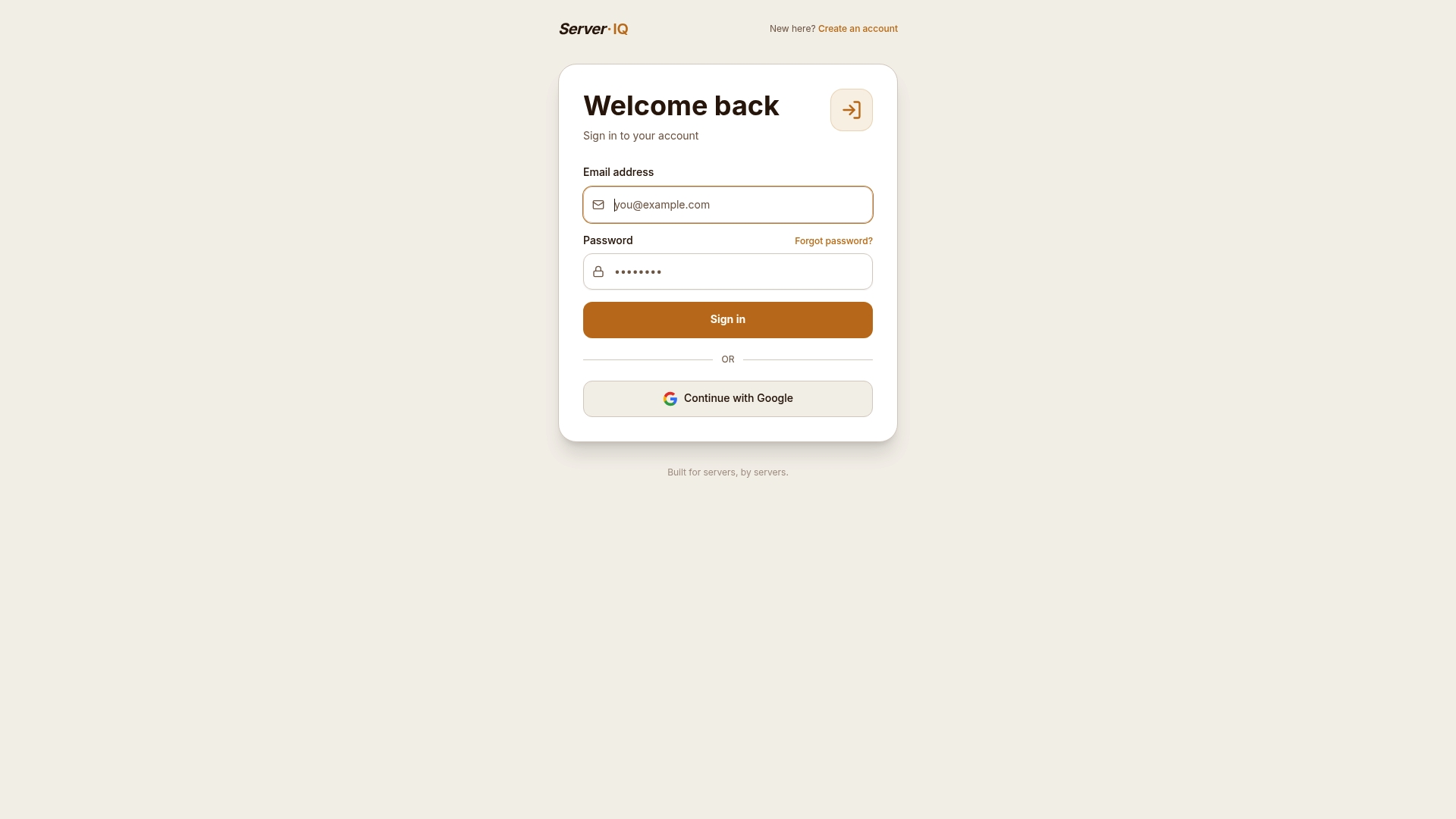
Includes a voice assistant called Chip that lets members log shifts and earnings hands-free. Serveriq advertises $3 per month for access to its tracking tools. Public pages show sign-in and account workflows but restrict deeper feature pages.
Core Features
The site combines basic account management flows with earnings tracking claims, linking sign-in, password reset, and subscription controls to member workflows. The product materials describe tip and hourly wage logging, voice-driven shift entries via Chip, and exportable reports for earnings patterns. Access to full feature pages appears restricted, which limits on-page documentation for community members.
Key Differentiator
Built specifically for server environments by people who work in those roles. That focus appears in the product messaging and in the way account and subscription menus prioritize shift and tip entry. The positioning is narrower than general-purpose platforms and aims at servers and bartenders rather than IT administrators.
Pros
Targeted language and workflows reflect an understanding of front-of-house earning habits, so members see features framed around tips, hourly pay, and variable income. The voice assistant reduces the friction of logging small cash and card tip events after a busy shift. Account controls and subscription management simplify common member tasks like password resets and billing checks at the end of a shift.
Cons
- Public pages are limited, so documentation on integrations, automation, or broader community features is not available.
Who It's For
This community platform suits servers and bartenders who want a simple place to record tips and wages and view basic earnings reports. It fits members who value quick, mobile logging and voice entry rather than a full accounting package. It is less suited to people who need extensive integrations or developer tools.
Unique Value Proposition
The hands-free logging from Chip makes shift reporting fast enough to use between tables or bar runs. That feature reduces the time you spend entering tiny cash tips after a long service. The result is clearer weekly and monthly reports without adding extra steps to shift closeout.
Real World Use Case
After last call, a bartender opens the app and speaks totals into Chip. The assistant records cash tips, card payouts, and hours for that shift. The bartender checks the weekly report later to reconcile bank deposits with logged earnings.
Website: https://myserveriq.com
My Tips Pro
At a Glance
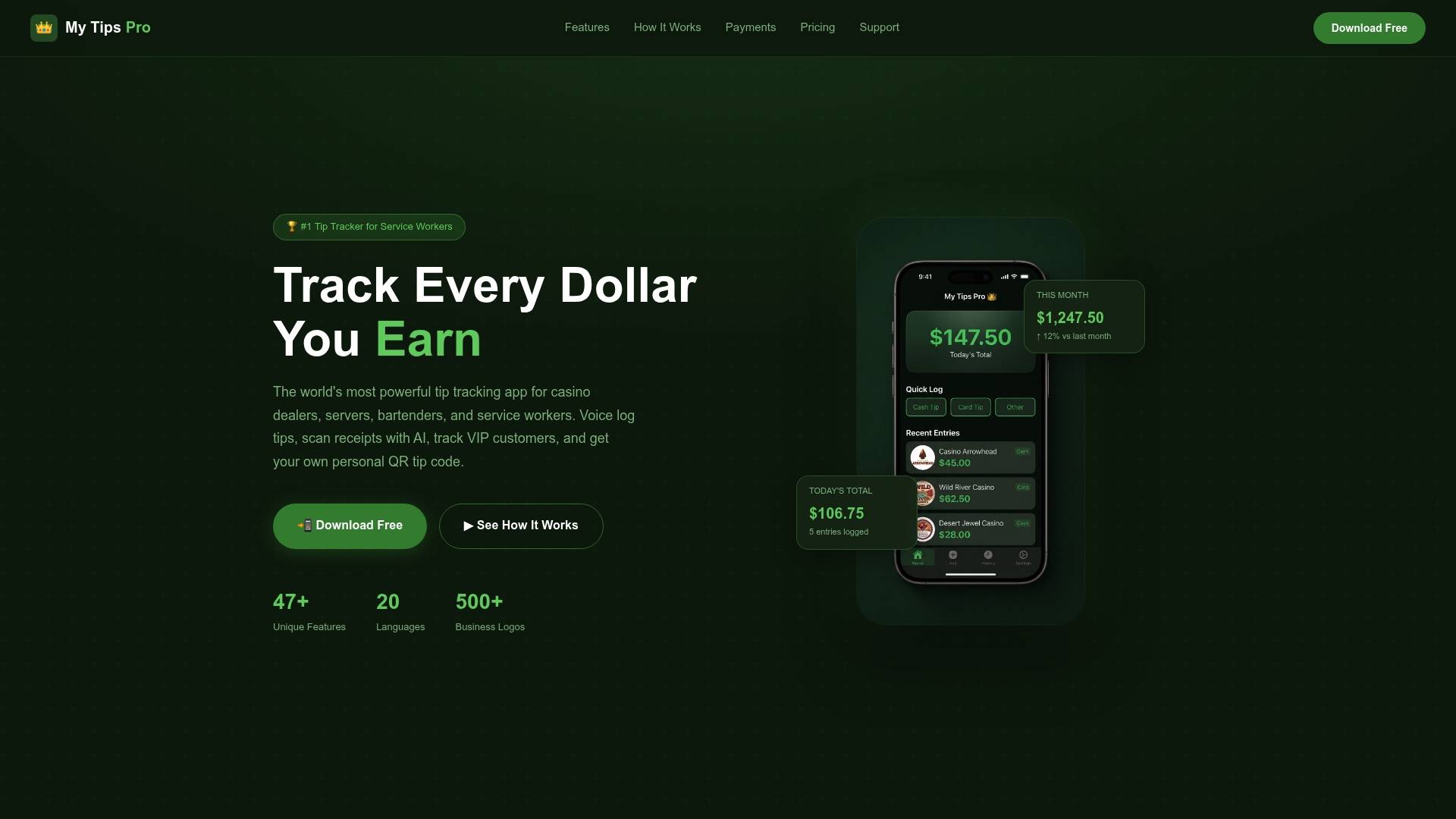
Celebrity impersonation voices confirm tip entries inside this tip tracking app, adding a playful verification layer. It supports voice logging, AI receipt scanning, VIP tracking, and direct QR payments on iOS and Android. Some advanced options require paid upgrades, while core logging and QR payments remain free to use.
Core Features
Voice logging uses natural speech recognition, and AI receipt scanning turns photos or screenshots into logged tip entries. A VIP customer tracker sends alerts for regulars, while personal QR tip codes let customers pay tips directly without external middlemen. Calendar views color-code daily earnings, and tax tools include estimators and PDF export for bookkeeping across multiple currencies.
Key Differentiator
Built specifically for service workers, the app combines voice logging, AI receipt scanning, and direct to payment QR codes inside one mobile app. The design prioritizes fast, hands free logging so bartenders and servers can record tips during busy shifts. Paid extras like VIP voice recognition and impersonation voices add optional flair for users who want them.
Pros
The interface reflects service shift realities because the team designed features around people who work nights and weekends. You can record tips by voice, screenshot, or manual entry, which reduces time spent on record keeping between tables. Direct QR codes let customers tip into payment apps without external middlemen, preserving payout control for staff. Multilanguage and multicurrency support, plus tax estimators and PDF export, help multilingual crews with month end reporting.
Cons
- Features focus on tipped roles, so much of the app has limited use outside the service industry.
- Some advanced functions like AI receipt scanning and VIP voice recognition require paid upgrades for full access.
- Mobile only with no desktop or web client, which limits end of shift bookkeeping on a laptop.
When It May Not Fit
If you require a desktop bookkeeping app, this mobile first design will not match your workflow. Organizations outside tipped roles will find several features irrelevant to their daily tasks. If every team member needs advanced features, factor paid upgrades into your operating costs.
Who It's For
Bartenders, servers, casino dealers, and delivery staff who rely on tips and need quick logging will find the app useful. Front of house staff who want to accept digital tips directly and reduce cash handling will see the most benefit. Crews that run multilingual shifts will also benefit from the languages and currency support.
Real World Use Case
A bartender logs cash tips by voice during a rush and captures receipt tips with a screenshot for accurate records. She shares her QR tip code with a regular to receive a digital tip at the table without a payment intermediary. At month end she exports a PDF report to hand to her accountant for tax filings.
Pricing
Basic features are free on iOS and Android. Optional upgrades include a $4.99 per month Plus tier and a $19.99 one-time Pro Advantage upgrade.
Website: https://mytipspro.com
Tippd
At a Glance
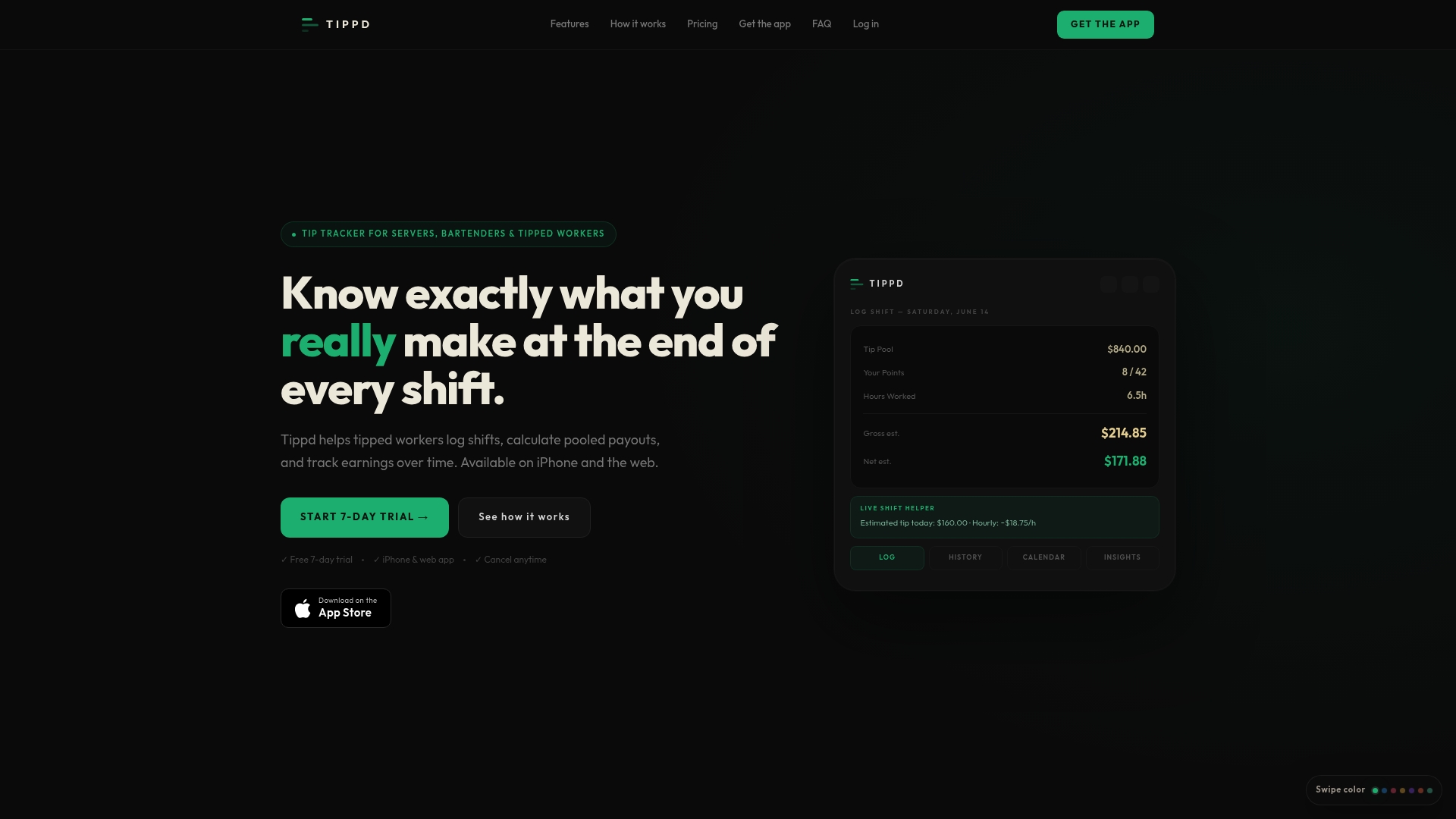
Tippd reports a mobile Smart Scan that reads tip sheets and produces instant point pool payout estimates. The app also shows live tip updates while you log a shift. That quick scan plus on-device calculations makes daily payout planning faster than scribbled notes.
Core Features
Tippd provides point pool calculations, a live shift helper that updates tips and hourly pay, and a calendar view with shift history for trend checks. It includes goals and insights to track earnings targets and export options to PDF or CSV for personal records. Cloud sync keeps data available on iPhone and web.
Key Differentiator
The main stand out is the Smart Scan combined with real-time payout math. That pairing turns a photographed tip sheet into an immediate estimate of your share and hourly earnings.
Pros
Tippd focuses strictly on tipped workers instead of general finance tools, so the interface stays simple and fast for logging shifts. The live shift helper gives instant feedback on how a night is tracking, which helps you adjust goals during a week. Personalized settings for hourly wage and tax rate let the estimated paycheck breakdowns feel closer to your actual take home.
Cons
- No official payroll or legal reporting capability, so estimates are not payroll documents.
- The app produces estimates only; figures may differ from your employer payroll or tax filings.
- Feature set favors point based pooling, so direct tip environments get less tailored support.
When It May Not Fit
If your workplace requires official payroll reports or employer-controlled tip reporting, Tippd will not replace that workflow. If your team splits cash tips directly per server rather than via points, the point calculations add little value. People who need verified tax documents should use employer payroll or an accountant instead.
Who It's For
Tippd suits servers, bartenders, and baristas who work in point based tip pools and want quick shift logging. You benefit if you prefer scanning a tip sheet over manual entry and want easy exports for personal records. It fits people who track goals and check weekly payout estimates.
Real World Use Case
A bartender scans the nightly tip sheet with Smart Scan, watches the app update pooled share estimates, and marks hours on the calendar. They set a weekly earnings goal and export shifts to CSV before tax season. The workflow replaces a pen, spreadsheet, or loose receipts.
Pricing
Tippd offers a free tier plus paid plans. Basic costs $7.99 per month or $70.99 per year. Pro runs $14.99 per month or $140.99 per year.
Website: https://tippd.app
ShiftEarn
At a Glance
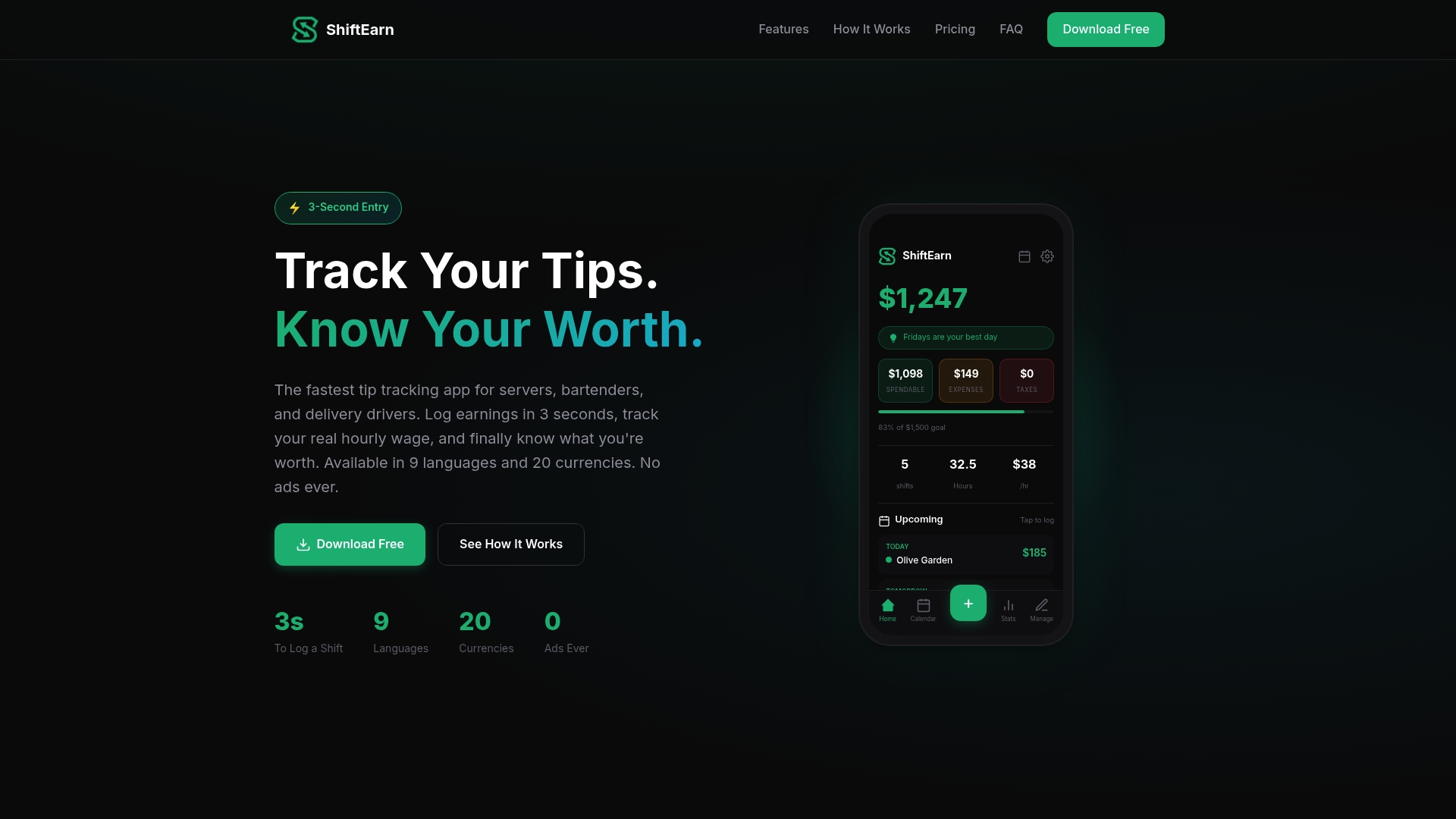
ShiftEarn reports shift logging in under 3 seconds, a specific speed claim the vendor advertises. Among tip tracking app alternatives, ShiftEarn targets servers, bartenders, and delivery drivers with a privacy first approach. It offers a free forever plan and optional paid upgrades for unlimited tracking and historical analytics.
Core Features
The app provides quick logging, real hourly wage calculation, support for multiple jobs, and smart analytics that surface trends and patterns. Users can set earnings goals with streaks and milestones, and the app supports multiple languages and currencies.
Key Differentiator
Built by service workers, ShiftEarn focuses on privacy by storing data locally and offering optional encrypted cloud backup. That choice prioritizes fast, device based tracking over server side data collection. The design centers on showing real hourly wages rather than raw tip totals.
Pros
Fast logging saves time on busy nights. Entering a shift takes only a few taps and often finishes in seconds. Real wage calculation combines tips and base pay then divides by hours to show what you actually earn per hour. Privacy first defaults to local data storage, and optional encrypted backup keeps a copy off device for people who want it. Multi job support and multiple currency options help gig workers consolidate earnings across platforms, and the free plan is ad free.
Cons
- Limited free plan features, especially for people who need long histories or advanced analytics.
- Cloud backup requires account creation, which may concern highly privacy conscious users.
- Pro features require a subscription, creating a paywall for unlimited tracking and historical reports.
- Primarily available on Android; the iOS release is forthcoming.
When It May Not Fit
If you need comprehensive historical analytics without paying, ShiftEarn may not meet your needs. If you manage a team or require payroll integrations, this app is built for individuals not managers. If you use iPhone today and cannot wait, the current Android focus may be a blocker for you.
Who It's For
You are a server, bartender, or delivery driver who wants fast shift entry and clear hourly wage math. You prefer local control of your data and want an ad free experience. You work multiple jobs or platforms and need a simple way to compare shifts across venues.
Real World Use Case
A server logs tips after each shift in a few seconds, tracks weekly earnings, and compares Friday nights to Tuesday shifts. She uses the trend reports to spot which shifts consistently pay better. That pattern then guides which shifts she requests when making her schedule.
Pricing
ShiftEarn offers a free forever plan with core features at no cost. Pro Monthly costs $2.99. Pro Yearly costs $19.99 and unlocks unlimited tracking and full historical analytics.
Website: https://shiftearn.com
Server44
At a Glance
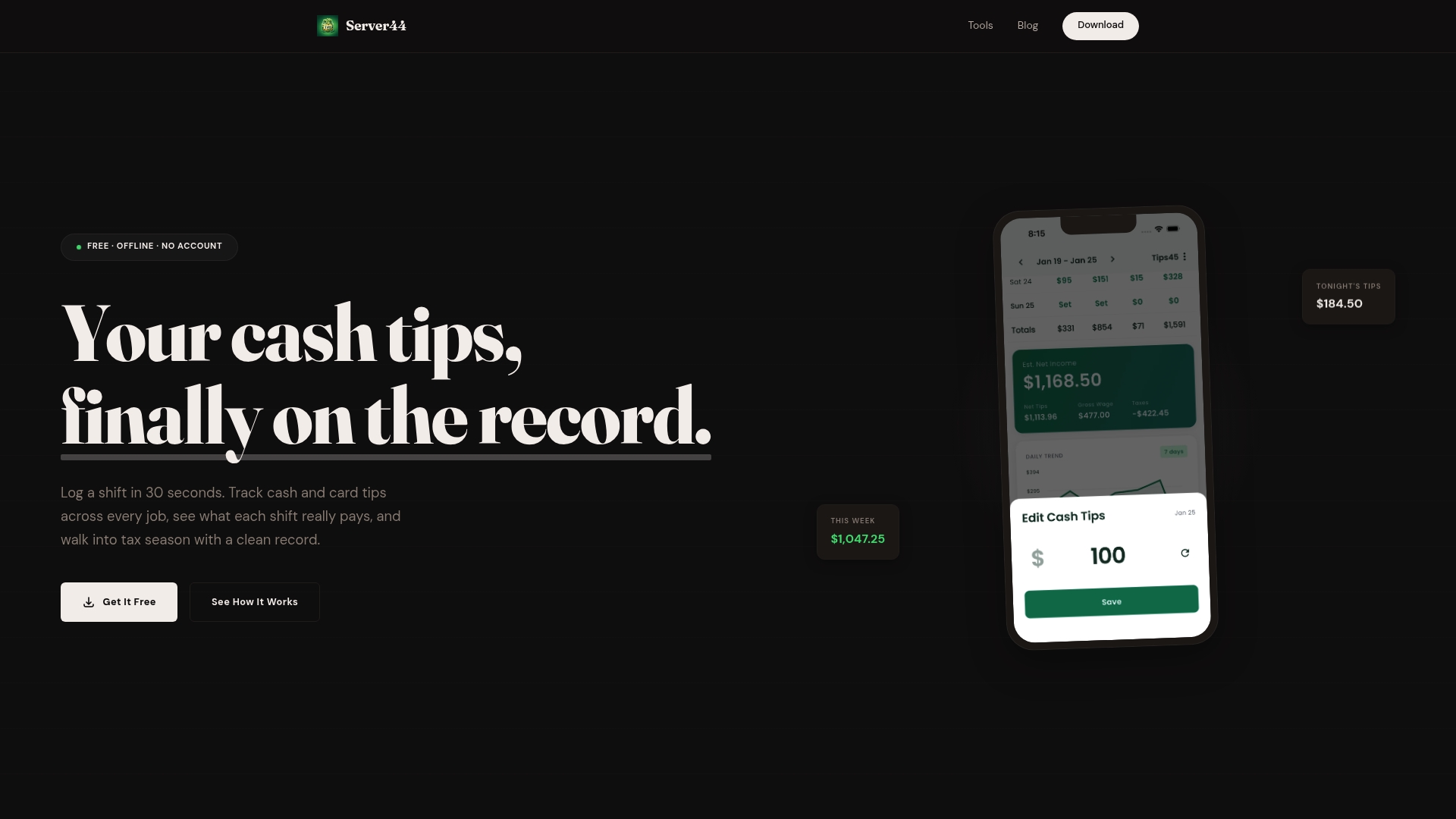
Stores all tip logs locally and runs offline on iOS and Android. That local storage means no accounts, no ads, and no vendor data collection. The app focuses on quick shift entries and straightforward export options for tax time.
Core Features
Server44 offers quick shift logging that the developer says takes about 30 seconds per shift, and it separates cash and card tips for clearer records. The app tracks daily, weekly, monthly, and yearly earnings and records tip outs so you can calculate net income. Exports include CSV, PDF, and plain text, and everything stays on your device while you use it.
Key Differentiator
The app centers on offline, on-device records for tipped workers who want privacy and simple bookkeeping. It targets servers, bartenders, and gig drivers who need fast logging and plain exports rather than a full payroll stack. That focus keeps the interface minimal and task oriented.
Pros
Server44 is free forever with no ads or account requirements, which lowers the barrier for busy hourly workers. Its offline design gives you private records that do not leave your phone, which helps when you do not want cloud syncing. The export options make tax season easier because you can hand CSV or PDF files to your accountant or keep plain text records for personal filing.
Cons
- Interface simplicity means fewer advanced features than paid financial apps. Some users report the layout feels basic and could use improved navigation.
- Limited scope. The app tracks tips and shifts only and does not include payroll processing or direct tax filing tools.
- Not built for teams or managers. Larger restaurants needing centralized payroll or accounting integrations will find gaps in functionality.
When It May Not Fit
If you need payroll processing or automated tax filing, this app will not replace those services. Larger venues that require centralized reporting or integration with payroll software should look elsewhere. Also avoid this if you want detailed accounting categorization beyond tips and simple expenses.
Who It's For
This app fits individual tipped workers who want a private, lightweight way to record earnings. If you work multiple jobs or venues, the separate profile support keeps records distinct. You want a simple tax record that you can export without managing cloud settings or subscriptions.
Real World Use Case
A bartender logs cash and card tips immediately after each shift. At the end of the quarter they export a CSV and send it to their tax preparer for accurate reporting. The on-device storage keeps that history private while still producing the files needed for IRS reporting.
Website: https://server44.app
Comparison of alternatives
Among tip tracking apps tailored to service workers, each excels in distinct areas, offering unique benefits depending on user needs.
Privacy and Accessibility
Server44 prioritizes privacy and transparency. With offline functionality and a no-account setup, it ensures user data stays entirely local. This design contrasts with apps integrating cloud backup or requiring mobile permissions, making it ideal for privacy-conscious workers. However, these advantages come at the expense of advanced analytics found in other choices such as ShiftEarn.
Feature Versatility
My Tips Pro delivers versatility through multilingual support, QR tip codes, and receipt scanning powered by AI. These tools address the needs of workers frequently interacting with diverse client demographics or managing extensive tax season reports. Its free tier encompasses essential tools, while the subscription unlocks premium features necessary for maximizing convenience.
Best fit
- Servers wanting hands-free logging will benefit most from Server·IQ, whose Chip voice assistant simplifies shift updates in real-time.
- Teams requiring multilingual or multicurrency support should choose My Tips Pro, suited for accommodating international linguistic needs.
- Privacy-conscious individuals will prefer Server44, which employs an entirely offline, on-device data storage model.
- Point-based tip pooling workers may find Tippd more useful for its smart scanning and real-time tip pool calculations.
Our pick
Server·IQ stands out as an exceptional app for hands-free, efficient tip tracking with Chip's voice functionality. While My Tips Pro excels in receipt scanning, Server·IQ offers efficacy in hands-free tracking, making it particularly suited for front-of-house workers seeking ease of use and compatibility with their high-paced environment.
Serveriq excels in providing a targeted solution tailored to the needs of tipped workers, with a focus on simplicity and features designed for their specific workflow demands.
| Product | Key Differentiator | Core Features | Pricing | Notable Limitation |
|---|---|---|---|---|
| Serveriq | Hands-free voice logging with "Chip" | Tip tracking, shift logging, reporting | $3 per month | Limited publicly available documentation |
| My Tips Pro | QR codes for digital tips | Voice entry, tax tools, multi-language | Free, upgrades: $4.99/month, $19.99 one-time | Mobile only, lacks desktop/web client |
| Tippd | Smart Scan for tip sheet calculations | Pooled tip management, goal setting | Free, upgrades: $7.99/month, $70.99/year | No payroll or legal reporting functions |
| ShiftEarn | Fast tip entry in under 3 seconds | Multi-job, encrypted backups, analytics | Free, upgrades: $2.99/month, $19.99/year | Focused on Android; iOS version upcoming |
| Server44 | Offline, local-only data storage | Tip tracking, CSV/PDF exports | Free forever | Offers no payroll processing or automation |
How Can Servers Track Tips Faster and Smarter?
Tracking tips and shifts can feel time-consuming after a busy night. Many servers and bartenders need quick, reliable ways to log earnings and see clear reports on variable income. Serveriq meets this challenge by offering a simple platform designed for front-of-house teams. Its voice assistant, Chip, lets you log shifts and tips hands-free. You spend less time entering data and more time focusing on your work.
If you want to get fast, accurate records of your hourly wages and tips, try Serveriq. For just $3 per month, it gives servers and bartenders insights into their earnings with detailed reports and easy shift entry. Visit Serveriq and start tracking your tips with Chip’s voice commands today.
FAQ
How does Serveriq support voice logging for tips?
Serveriq offers a voice assistant called Chip that allows users to log shifts and earnings hands-free. This feature enables members to quickly record tips and hours without needing to enter information manually after a busy shift. Users can expect a seamless experience that enhances efficiency during their work shifts.
What is the difference between My Tips Pro and Serveriq?
My Tips Pro features celebrity impersonation voices that confirm tip entries, making the logging process playful and engaging. In contrast, Serveriq is specifically designed for servers, focusing on streamlined shifts and tip tracking. Users who prefer a fun approach may appreciate My Tips Pro, while those needing a straightforward tool that centers on the needs of waitstaff should choose Serveriq.
Which app provides better earnings reports, Tippd or Serveriq?
Serveriq offers exportable reports that provide insights into earning patterns, allowing users to track tips and hourly wages effectively. Tippd, while faster with its Smart Scan, does not highlight the same depth of reporting features. For users who prioritize detailed earnings reports, Serveriq is the better option.
Can I use Serveriq if I have multiple jobs?
Yes, Serveriq supports multiple job tracking, making it suitable for servers and bartenders who work at different venues. The app's features cater specifically to hour logging and tip tracking across various jobs, ensuring users can maintain accurate records. This makes Serveriq an excellent choice for those juggling shifts at multiple establishments.
How quickly can I log my shifts in Serveriq?
Serveriq claims to log shifts in under 3 seconds, emphasizing its speed and efficiency for users. This quick logging feature allows servers and bartenders to enter their information without significant delays, which is crucial during busy service periods. Users can expect a fast and convenient way to record their shifts.